


Description
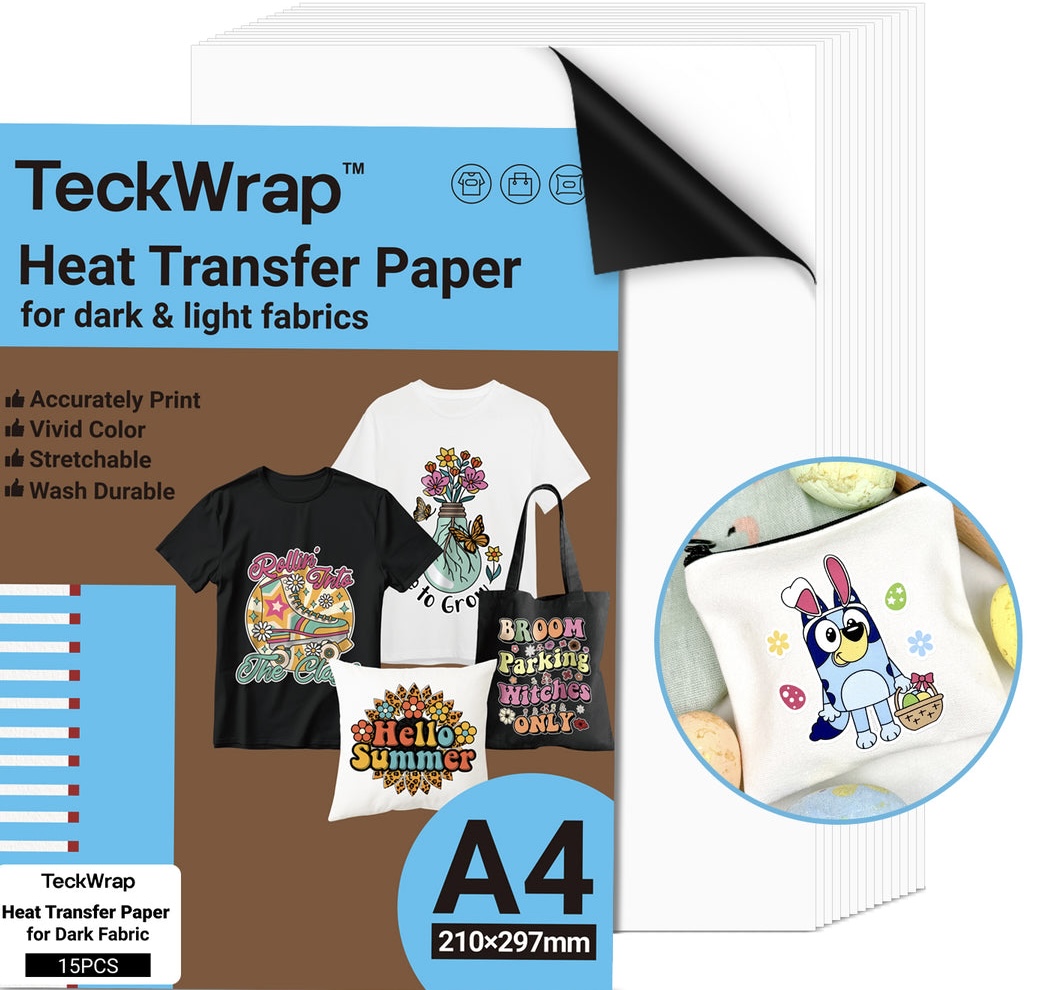
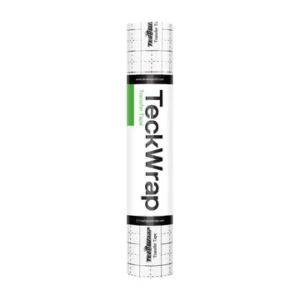
Inkjet Heat Transfer Paper (Matte White)
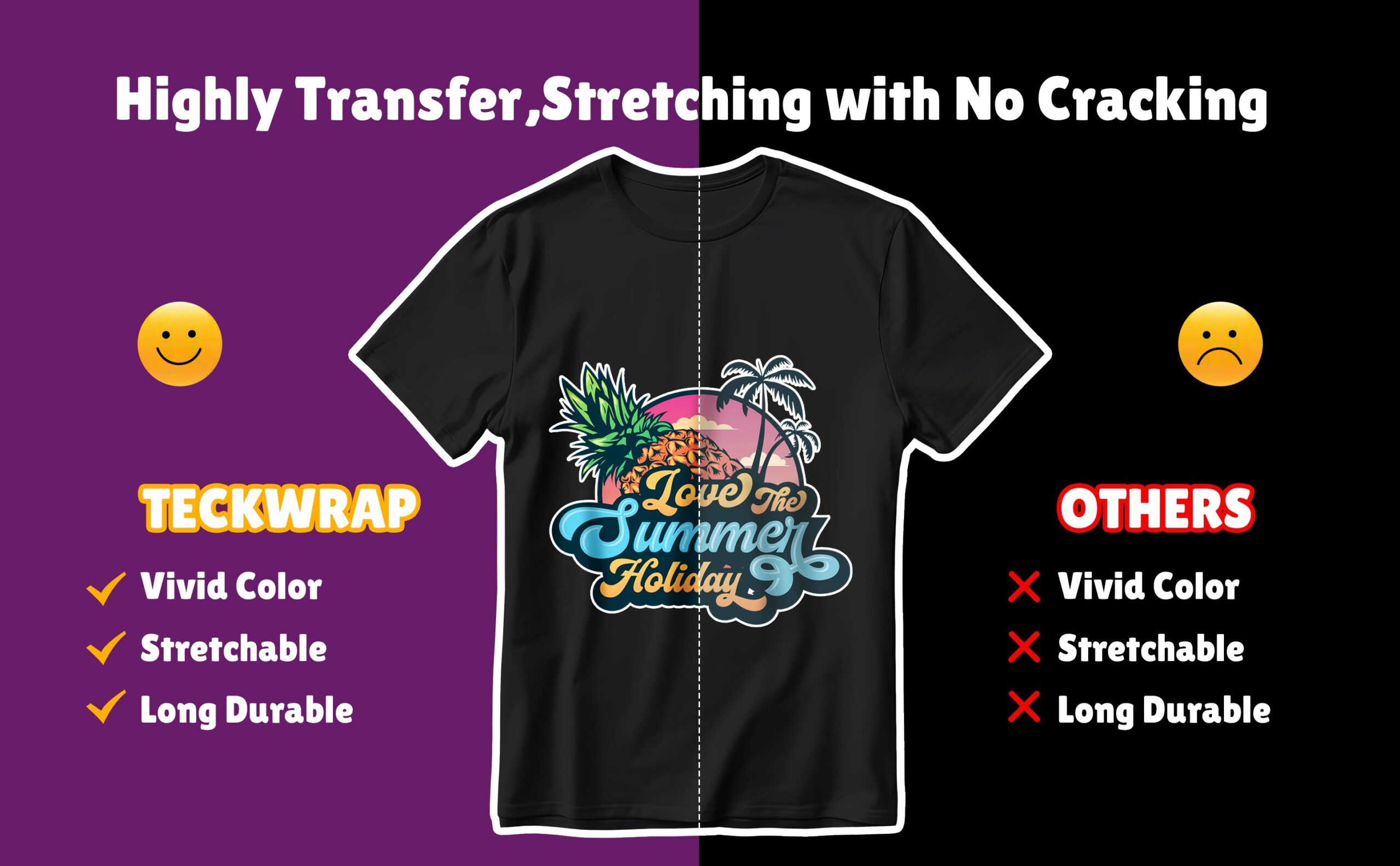
An amazing product with excellent print quality, it transforms both dark and light-coloured fabrics into vibrant, custom-designed pieces. You can print any colourful image of your choice on it and it will give a vivid transfer.
How To Use Our Inkjet Heat Transfer Paper?
Our Inkjet Heat Transfer Paper is easy to use for both new and professional crafters. Here’s how to apply it:
- Prepare your fabric: This involves washing the fabric beforehand so that it is clean and pressing it to remove any excess moisture and make it smooth removing creases.
- Finalize your design: Working on the software that comes with your cutting machine, set the dimensions of the design according to the space on your garment, and adjust the material settings.
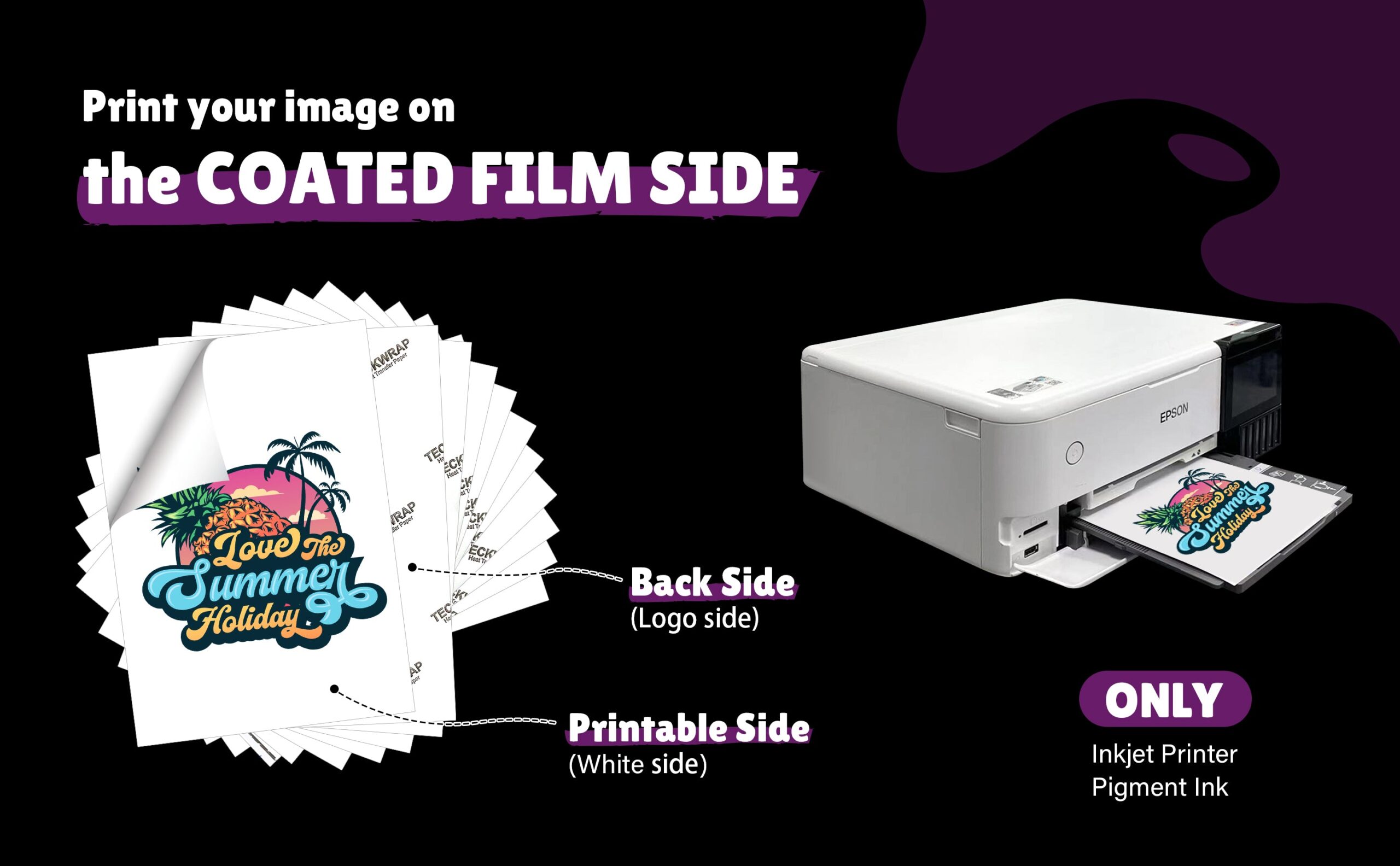
- Print the design: Print on the plain side of our Inkjet Heat Transfer Paper. You will get amazing colours and great print quality. Let the image dry.
- Cut your design: Place the printed Heat Transfer Paper on the cutting mat and load it into the Cricut machine. Now weed out the negative parts of the paper so you just have the design in front of you.
- Temperature and time: Set the temperature and time of your heat press to 310°F and the duration to 15 seconds.
- Remove backing and apply heat: After removing the backing paper from your design, place it on the fabric, and cover it with the parchment paper. Now apply the heat and pressure.
- It’s Done: The design needs time to set so let it stay for 24 to 48 hours. Do not use the fabric in any manner or bring it in contact with water during this period.
Aftercare For Our Heat Transfer Paper Designs
Here are the maintenance tips for your heat transfer paper design:
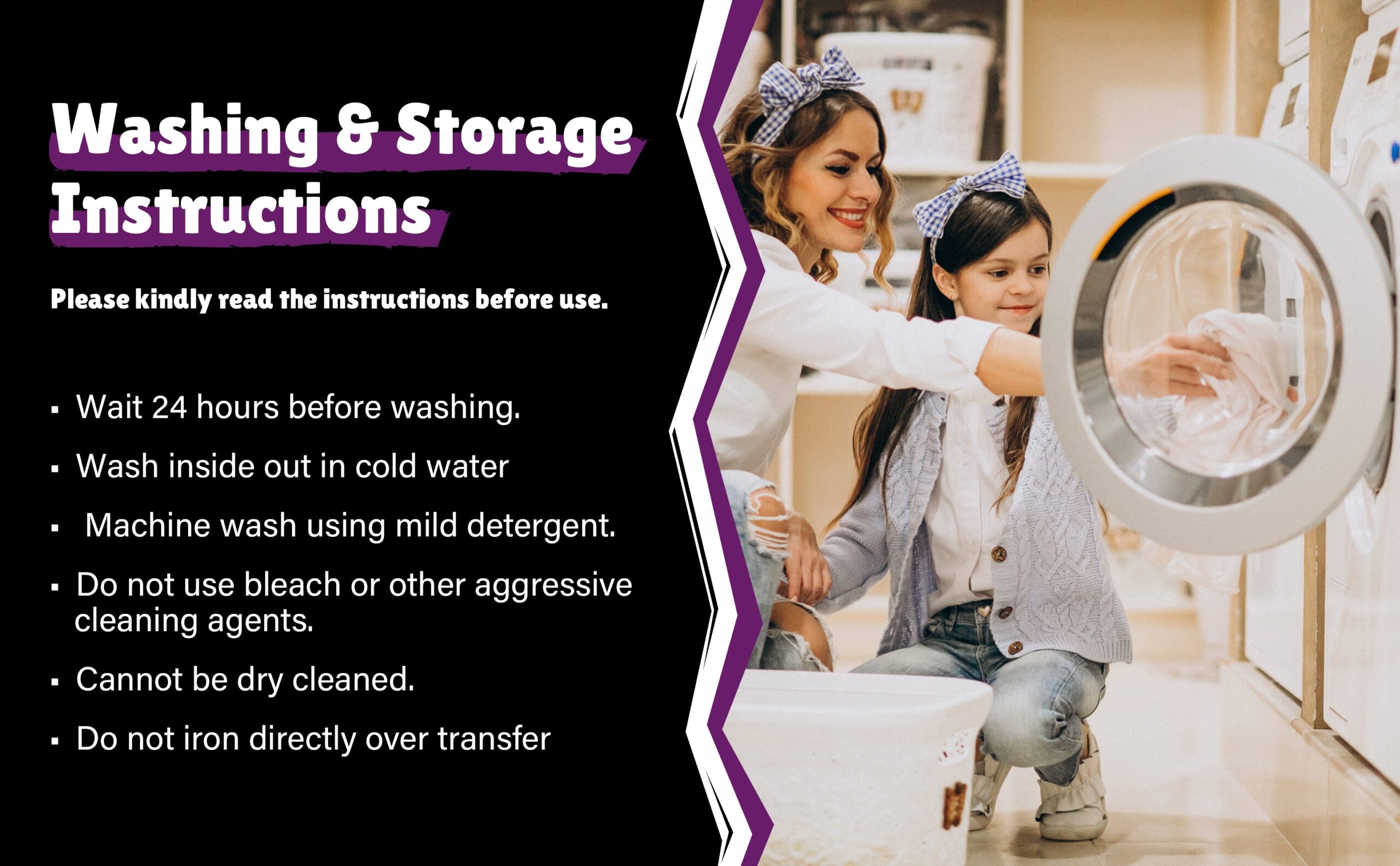
- Wash your shirt after turning it inside out.
- It’s better not to machine wash. Use a mild detergent. Do not dry clean.
- Let the shirt dry naturally on a clothesline for the best and long-lasting prints. Avoid direct sunlight.
- Do not bring it in contact with chemicals like bleach or fabric softener.
- Do not iron directly on the design. Turn the shirt inside out to remove creases.
Reviews
There are no reviews yet.